1) Import Image
Paste your copied screenshot into the editor with Ctrl + V; or you can upload from a file. Explaining multiple screens? Create a separate step for each and order them — it flows like a story.
Paste your image, draw or write whatever is needed, then send it with a single link. Instead of complex file names and long email chains: step-by-step, on a single page, legible explaining.
Paste your copied screenshot into the editor with Ctrl + V; or you can upload from a file. Explaining multiple screens? Create a separate step for each and order them — it flows like a story.
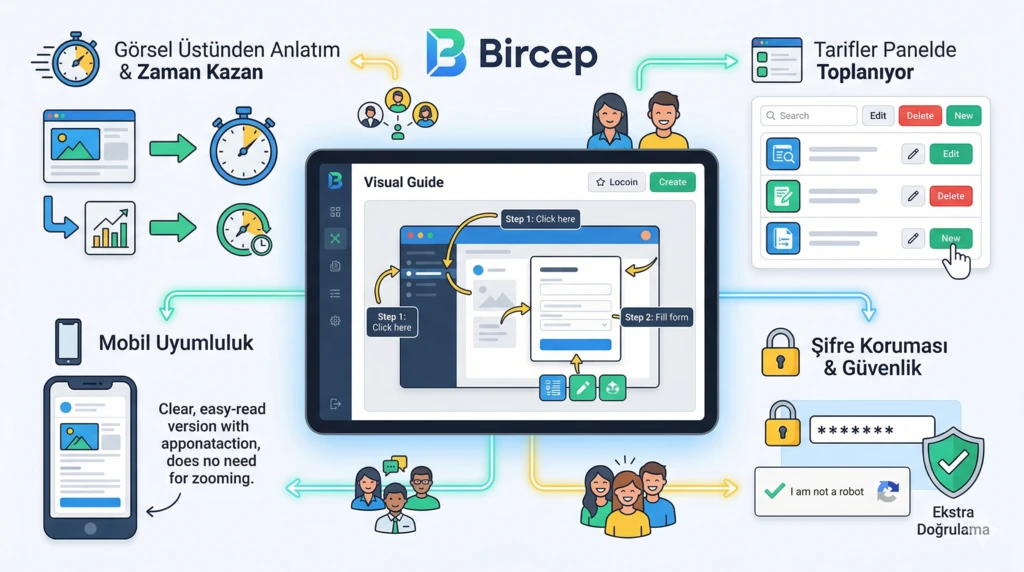
Arrow, text box, circle, box, straight line, semi-transparent highlight, numbered badge… Select a tool and drag & drop. Set colors from one place; the image explains itself without you needing to say "look here".
When you press the save button, a unique link is generated for you. Share this link via WhatsApp or email. When the recipient clicks, they see your clean guide in their browser without any app installation.
If you are opening a support ticket, preparing training, or just need to tell a teammate "press this button", writing the same thing over and over is exhausting. Here you go over the visual; saving time for both you and others.